
Job Interview Report : Templates & Tips
.webp)
Leverage your Interview Data
AI interview notes, scorecard, follow-up, ATS integration, and more...
.svg)
.svg)
An interview report should be a clear and accurate view of your candidates' potential, so to make informed decisions quickly.
Here I share with you the best practices to turn your interviews into useful and actionable data.
What’s a Good Job Interview Report
At its core, a job interview report is a structured summary of the interview conversation and evaluation. It captures key points from the discussion, the candidate’s responses to your questions, and your interpretation of those responses in relation to the job requirements.
A high-quality report features clarity, relevance, and objectivity :
- Clarity means organizing information in a way that’s easy for anyone on your team — HR partners, hiring managers, or executives — to follow.
- Relevance means focusing on the aspects of the interview that directly tie to the role you’re hiring for: competencies, motivations, and evidence of skills.
- Objectivity means sticking to observable facts and candidate quotes where appropriate, rather than opinions or feelings.
To make your report genuinely useful, it should include a few core components:
- Basic details — Candidate name, position applied for, interview date and format, and the interviewer(s). This ensures context is clear.
- Structured summaries — A section that captures the candidate’s answers to key questions, why those answers matter, and how they tie to the competencies you’re evaluating. For example, noting how they explained problem-solving steps or specific achievements rather than just listing topics discussed.
- Skills and fit evaluation — Separate technical abilities (hard skills) from interpersonal strengths (soft skills), so your team can see both the tangible capabilities and cultural fit of the candidate.
- Motivation and behavior — Include insights on what drives the candidate, what they’re looking for in their next role, and how they might adapt to your environment. Motivation is a strong predictor of longer-term success.
- Overall assessment — A final summary with a recommendation or next steps helps teammates quickly determine alignment and make decisions faster.
4 Job Interview Report Templates
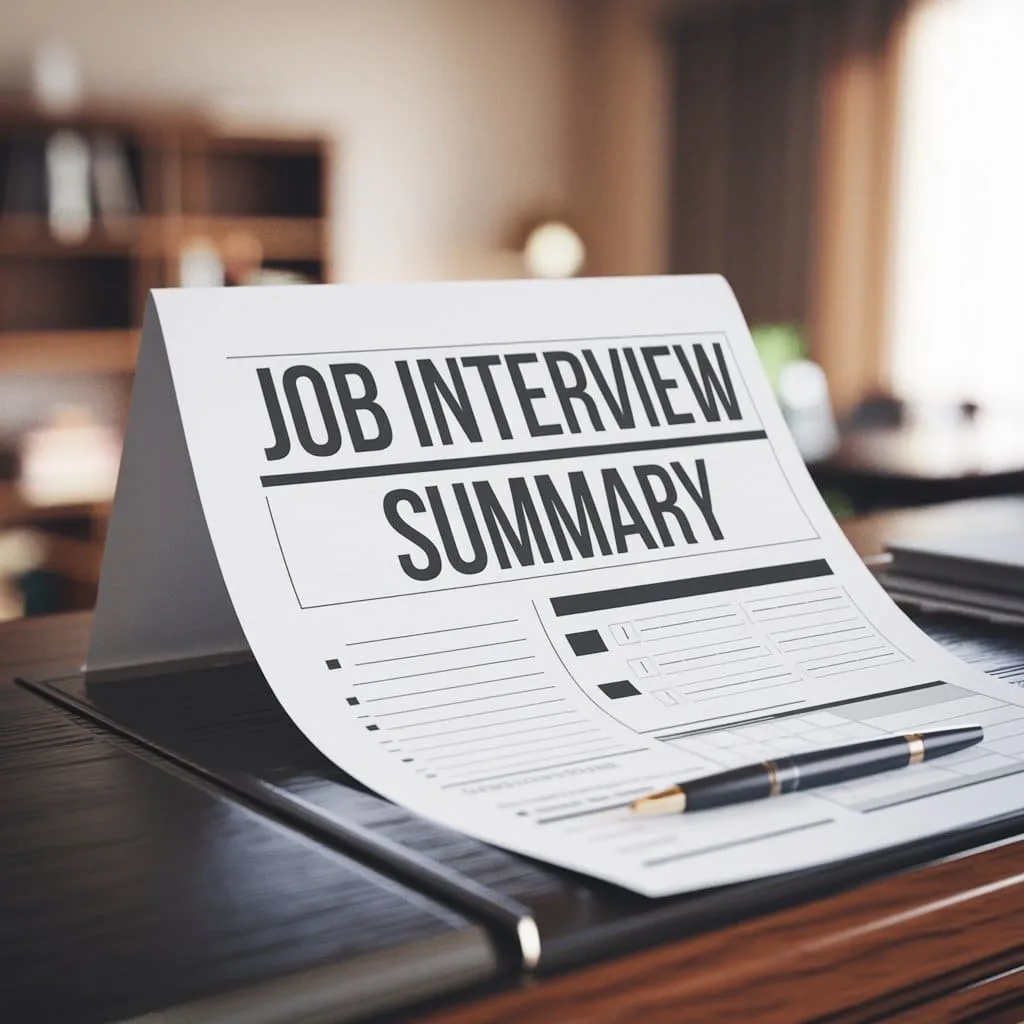
Below are 4 templates you can copy-paste as-is.
Template 1 — Basic interview report (fast, reliable, works for most roles)
Use this when you need a clean report after a screening or a first-round interview.
(These templates are built into our Noota interview assistant tool)
JOB INTERVIEW REPORT — BASIC

1) Context
- Candidate name:
- Role:
- Interview date & time:
- Interview format: (Phone / Video / On-site)
- Interviewer(s):
- Stage: (Screen / Round 1 / Round 2 / Final)
- Links: (CV / Portfolio / Recording / Notes)

2) Role requirements (the “must-haves” for THIS role)
- Must-have #1:
- Must-have #2:
- Must-have #3:
- Nice-to-have #1:
- Nice-to-have #2:

3) Interview summary (5–8 bullets)
- What you discussed:
- What the candidate claims they can do:
- Most relevant examples they shared:
- Results / metrics mentioned:
- Scope (team size, budget, customers, volume):
- Constraints or gaps that appeared:

4) Evidence by competency (write facts + examples)
Competency A: [e.g., Problem-solving]
- Evidence (quote or example):
- What you observed:
- Confidence level: (High / Medium / Low)

Competency B: [e.g., Communication]
- Evidence:
- What you observed:
- Confidence level:

Competency C: [e.g., Ownership / Autonomy]
- Evidence:
- What you observed:
- Confidence level:

5) Strengths (3–5 bullets, with proof)
- Strength:
  - Proof (project, story, metric, quote):
- Strength:
  - Proof:

6) Concerns / risks (2–4 bullets, with proof)
- Risk:
  - What triggered it:
  - How big is the risk: (Low / Medium / High)
- Risk:
  - What triggered it:
  - How to validate next (test / reference / case):

7) Logistics
- Salary expectations:
- Notice period / start date:
- Work model constraints: (Remote / Hybrid / On-site)
- Work authorization (if relevant):

8) Recommendation (pick one and justify)
- Recommendation: (Strong yes / Yes / Lean yes / Lean no / No)
- 2–3 sentence justification based on evidence:
- Next step you recommend:
  - (Move to next round / Take-home / Panel / Reference checks / Close)
Template 2 — Behavioral interview report (competency-first, STAR-ready)
Use this when your interview is behavioral (past actions predict future performance).
JOB INTERVIEW REPORT — BEHAVIORAL

1) Context
- Candidate:
- Role:
- Interview date:
- Interviewer(s):
- Competency model used:
- Recording / transcript link:

2) Competencies to assess (customize per role)
- Competency 1:
- Competency 2:
- Competency 3:
- Competency 4:
- Competency 5:

3) STAR capture grid (repeat this block per competency)

COMPETENCY: [e.g., Stakeholder management]
- Question asked:
- Situation (context, stakeholders, constraints):
- Task (goal, ownership, expectations):
- Action (what THEY did specifically):
- Result (impact, metrics, outcome):
- What I liked (evidence-based):
- What worries me (evidence-based):
- Follow-up question(s) for next round:
- Confidence level: (High / Medium / Low)

4) Consistency check (helps you avoid “great story” bias)
- Does the candidate show the same strength across multiple examples? (Yes/No)
- Any contradictions vs. CV or earlier answers? (List them)
- Any missing proof (claims without example)? (List them)

5) Culture / working style signals (facts, not labels)
- Preferred environment:
- Feedback style:
- Collaboration style:
- Pace / ambiguity tolerance:
- Notes (what they said or did that supports this):

6) Recommendation
- Hire signal summary (3 bullets):
- Risk summary (2 bullets):
- Recommendation: (Yes / No / Needs more data)
- What data you need next (case study, reference, technical test, additional interview):
Template 3 — Panel interview report (one document, multiple interviewers)
Use this when several people interview the same candidate.
JOB INTERVIEW REPORT — PANEL

1) Context
- Candidate:
- Role:
- Panel date:
- Panel format: (Sequential / Group / Mixed)
- Participants:
  - Interviewer 1 (focus area):
  - Interviewer 2 (focus area):
  - Interviewer 3 (focus area):
- Links: CV / recording / portfolio

2) Shared evaluation criteria (align the panel)
- Criteria 1:
- Criteria 2:
- Criteria 3:
- Criteria 4:

3) Interviewer snapshots (repeat for each panelist)

INTERVIEWER: [Name] — FOCUS: [e.g., Technical depth]
- Questions asked (bullets):
- Candidate highlights (facts + examples):
- Weak points / gaps (facts + examples):
- Concerns to validate:
- Overall vote: (Yes / Lean yes / Lean no / No)
- 1–2 sentence rationale:

4) Cross-panel synthesis (the “single truth”)
- Strongest evidence (top 5 bullets):
- Biggest concerns (top 3 bullets):
- Where panel agrees:
- Where panel disagrees:
  - Disagreement #1:
    - What each side observed:
    - What evidence would resolve it:

5) Final recommendation
- Recommendation:
- Proposed next step:
- Owner for next step:
- Deadline:
Template 4 — Scorecard interview report (ratings + proof + decision)
Use this when you want consistent scoring across candidates. A scorecard works best when each score is backed by written evidence, not just a number.
JOB INTERVIEW REPORT — SCORECARD (COPY/PASTE)

1) Context
- Candidate:
- Role:
- Interview date:
- Interviewer(s):
- Stage:
- Score scale: 1–5 (1=Below bar, 3=Meets bar, 5=Exceptional)
- Note: Every score must include evidence.

2) Weighted criteria (edit the weights per role)
- Criterion 1: [Name] — Weight: [x]
- Criterion 2: [Name] — Weight: [x]
- Criterion 3: [Name] — Weight: [x]
- Criterion 4: [Name] — Weight: [x]
- Criterion 5: [Name] — Weight: [x]

3) Ratings + evidence (repeat per criterion)

CRITERION: [e.g., Technical problem-solving]
- Score (1–5):
- Evidence (quote, example, case answer, project):
- Why this score (1–2 sentences):
- Risk if hired (if any):
- How to validate next (if needed):

4) Role-specific must-haves (hard gate)
- Must-have #1 met? (Yes/No) Evidence:
- Must-have #2 met? (Yes/No) Evidence:
- Must-have #3 met? (Yes/No) Evidence:

5) Summary
- Top strengths (3 bullets with proof):
- Top concerns (2–3 bullets with proof):
- Overall score (optional): [sum(weighted scores)]
- Recommendation: (Hire / Hold / Reject)
- Next step:
Generate Interview Reports with AI : NOOTA
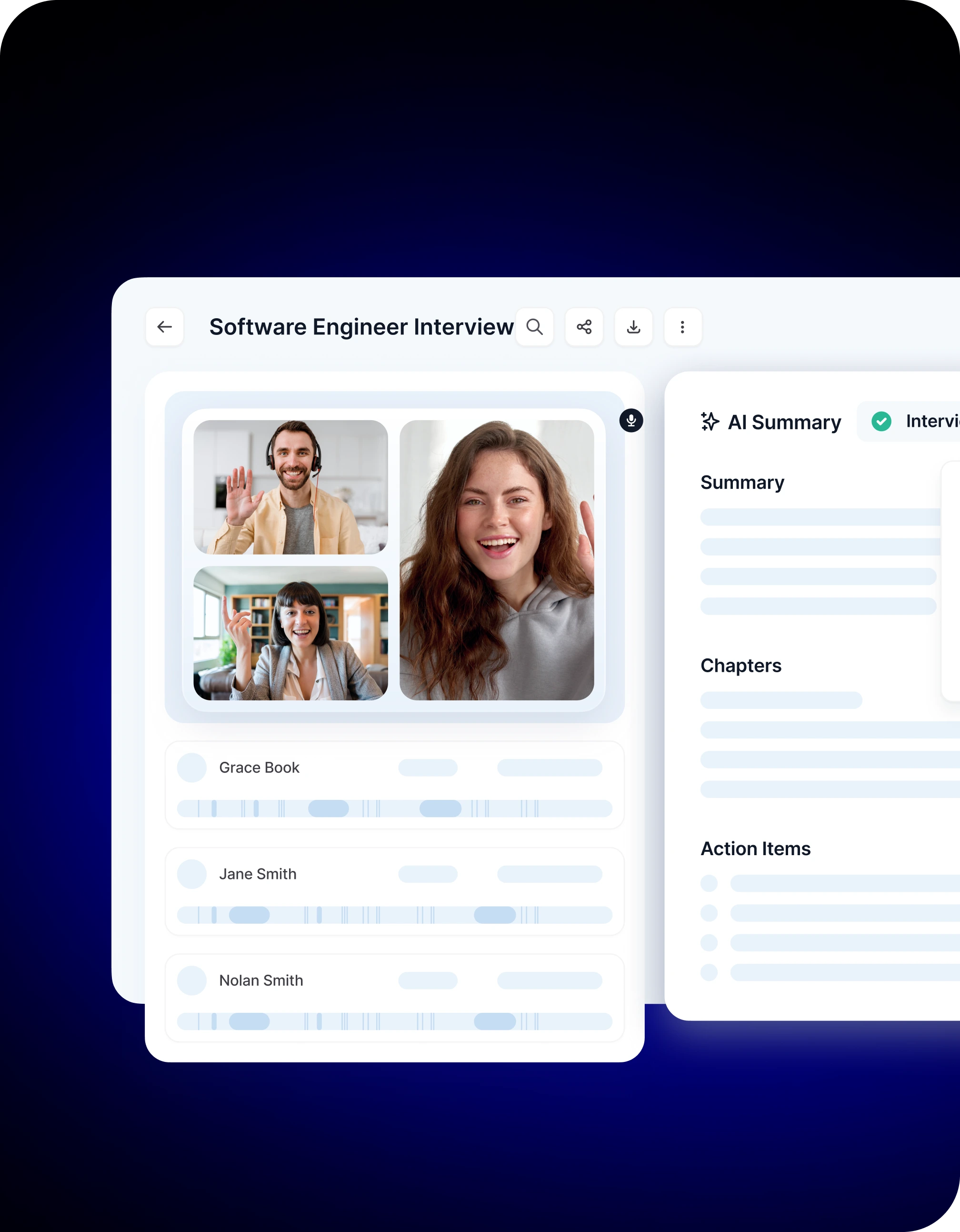
Instead of writing reports from scratch, you can let Noota generate a draft that you edit and finalize :
✅ Record & Transcribe Every Interview
Noota captures your interview (remote or in person) and turns it into text automatically. This means nothing — not a key phrase, not an example — slips through the cracks.
✅ Turn Transcripts Into Structured Reports
Instead of raw text, Noota gives you a structured interview report with the key takeaways mapped to your criteria. You get summaries that focus on what matters for hiring, not just a dump of everything said.
✅ Customize Templates to Your Process
Noota offers ready-to-use templates that reflect your hiring workflow — from technical deep dives to quick first-round summaries. You can tailor these templates for different roles and competencies so reports always match your expectations.
✅ Integrate With Your Hiring Tools
The AI doesn’t live in isolation. Noota can push structured interview reports straight into your ATS and help you share insights with hiring managers without extra manual steps.
Want to generate interview reports in one click and easily share an objective and fair view of your candidates? Try Noota for free.
FAQ
❓ Q: Should I write an interview report after every interview?
Yes — a report after every interview ensures you capture fresh insights while your impressions are still clear. Reports help you document candidate responses, support hiring recommendations, and create a consistent record that your team can revisit later. They also make it easier to compare multiple candidates against the same criteria.
Even short initial screens benefit from a structured report, because hiring decisions often involve multiple stakeholders who weren’t in the room. A clear document bridges that gap.
❓ Q: How soon should I finalize my report?
Ideally right after the interview, while the conversation is still fresh in your mind. Completing your report within a few hours — or at most by the end of the day — gives you higher accuracy and more specific examples.
Delayed reporting can lead to forgetfulness or bias creeping in, especially if you’ve interviewed several people in one day. Early writing also helps you consolidate your thoughts and clarify your initial takeaways.
❓ Q: What’s the difference between interview notes and an interview report?
Interview notes and interview reports serve related but distinct purposes:
- Interview notes are your raw observations and live responses captured during the conversation — what you jot down in real time.
- Interview reports are structured summaries that organize those notes into a polished document tailored for decision-making.
Notes become the building blocks of a report, while a good report adds context, interprets evidence, and ties observations to role criteria.
❓ Q: What if I’m not sure how to evaluate a candidate on a specific competency?
If you’re unsure about a rating or conclusion, flag it in your report along with supporting evidence (or lack of it). For example, if you didn’t ask a particular question or the answer lacked detail, note that as something to validate later (perhaps in a second interview).
Being upfront about uncertainty is better than guessing — it helps you build credible and transparent reports that your team can trust.
❓ Q: Should my report include direct quotes from the interview?
Yes — quoting candidates can help others understand exactly what was said without guessing. Including brief phrases (especially for critical responses) adds credibility and evidence to your assessment. Just be sure you contextualize the quote: note what question it responds to and how it supports your evaluation.
Avoid long verbatim transcripts — summarizing while preserving core meaning keeps the report concise and actionable.
❓ Q: How objective should my interview report be?
Focus on observable facts and candidate evidence rather than impressions or assumptions. Instead of writing “seemed unsure,” describe what the candidate said and how they said it — for example: “Candidate paused twice before answering and referenced limited practical experience with [specific skill].” This keeps your report grounded in data rather than perception.
Objective reporting is especially important when your report informs hiring decisions or compliance documentation.
❓ Q: What should I do with the report after it’s written?
Share it promptly with your hiring team and anyone else involved in the decision process. You can upload it to your ATS, internal hiring channels, or send it in a follow-up email — whatever your workflow dictates.
A good report becomes a central reference for debrief meetings, candidate comparisons, and final decisions, helping your team work efficiently and consistently.
Leverage your Interview Data
AI interview notes, scorecard, follow-up, ATS integration, and more...

Jean-marc is an AI expert helping recruiters & professionnals leverage these tools in their everyday work.
Related articles
.webp)

.png)

Forget note-taking and
try Noota now
FAQ
In the first case, you can directly activate recording as soon as you join a videoconference.
In the second case, you can add a bot to your videoconference, which will record everything.
Noota also enables you to translate your files into over 30 languages.
.svg)