Metaview Review & Alternatives
Leverage your Interview Data
AI interview notes, scorecard, follow-up, ATS integration, and more...
.svg)
.svg)
While Metaview is a popular choice for automating note-taking and improving interviewer performance, it might not be the perfect fit for everyone.
Whether you're seeking more features, better integration, or a tool that better fits your specific needs, it makes sense that you want to open up new possibilities for enhancing your interview process.
This article explores some of the top alternatives to Metaview
What Are Metaview’s Features and Pricing?
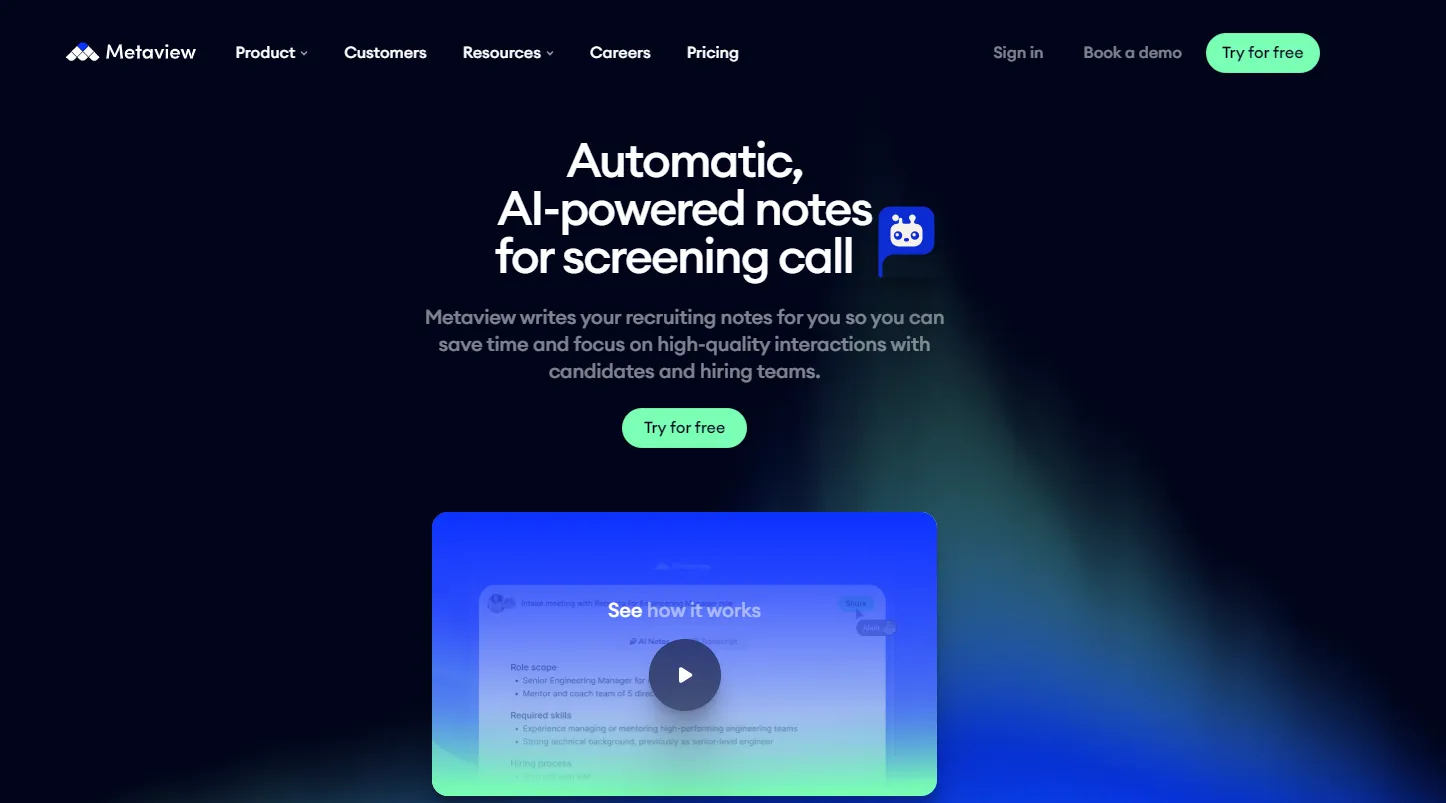
Metaview is an AI-powered recruiting platform designed to take the manual work out of interview documentation, candidate insights, and parts of talent acquisition that traditionally eat up hours of a recruiter’s day. At its core, Metaview automates interview note-taking, transcription, summarization, and reporting, freeing you to focus on engaging candidates and making better hiring decisions.
Here’s a breakdown of what the platform offers and how its pricing works so you can decide whether it fits your recruiting process:
Key Features Recruiters Care About
📌 AI Notetaker & Transcription
Metaview’s flagship feature joins your interviews on major platforms like Zoom, Google Meet, and Microsoft Teams, transcribing every conversation in real time and generating structured summaries immediately afterward. This means no more frantic typing during interviews — you’re present with the candidate, and the AI captures the details.
📌 Searchable Conversation Repository
Every interview is stored as a searchable transcript so you and your team can quickly reference what was said, find specific responses, or compare candidate performances later.
📌 AI-Driven Insights & Reports
Beyond note-taking, Metaview includes analytics that surface hiring trends, candidate talk patterns, and actionable insights across interviews. You can track consistency in your process, recruiter behaviour, and candidate engagement — helping you refine your hiring strategy over time.
📌 Candidate Packs & Comparison Tools
Advanced users can generate candidate summary packs with resume context, interview highlights, and role alignment, and even produce side-by-side comparisons of candidates to support debriefs and decision-making.
📌 ATS & Calendar Integrations
Metaview integrates with tools recruiters already use — including popular ATS platforms (like Lever, Greenhouse, Ashby) and scheduling systems — so that summaries and transcripts can be easily logged in your existing workflow.
📌 AI Sourcing and Recruiting Tools
For teams that go beyond interviews, Metaview can also assist with proactive candidate sourcing, customized job posts, and intake automation. These features tie interview insights into broader recruitment workflows.
Pricing Overview
Metaview offers multiple tiers depending on team size and needs:
🎯 Free Plan
- Best for solo recruiters or small teams who want to test the tool.
- Includes a limited number of interviews (e.g., ~25 conversations/month) and a short history window.
- Gives access to core AI note-taking features to help you decide if the product fits your workflow.
📈 Pro Plan
- Around $50–$60 per user per month (when billed annually).
- Removes interview limits and expands searchable history, templates, and advanced search features.
- Ideal for growing teams doing frequent interviews.
🏢 Enterprise & Custom Plans
- Tailored pricing that typically includes enterprise security standards, advanced controls, dedicated support, and training.
- Includes full suites like AI sourcing and recruiting platforms beyond the notetaker alone.
Is Metaview Really Worth It? A Review
One of the biggest strengths reviewers highlight is how Metaview frees recruiters from manual note-taking. Instead of splitting your attention between the candidate and a notebook, Metaview automatically records, transcribes, and summarizes your interviews — which lets you be fully present in the conversation. Recruiters routinely mention that this alone saves hours per week and improves interview quality.
Another consistent positive is the structured nature of the summaries and transcripts. Because summaries are tied to actual interview content and can be searched and reviewed later, hiring managers spend less time trying to reconstruct what was said, and teams get consistent feedback across interviews. Many users also note that the ability to integrate transcripts with ATS systems makes documentation and decision-making smoother.
But the tool isn't perfect, and reviews are clear about a few limitations you should know about before committing:
- Customization limits: Some users report that interview summary templates and feedback formats can feel too generic or require manual editing to match internal review styles. That means you might still spend time adjusting content before sharing it.
- Nuance in complex interviews: For highly technical or deeply contextual interviews, the AI can occasionally miss subtle points or specifics that a human note-taker would catch. This isn’t a deal-breaker, but it reinforces the need for human oversight.
- Integration experience varies: While Metaview advertises broad integrations, some reviewers and recruiters note that setup and ATS integration can be finicky depending on your stack and configuration.
Additionally, like many purpose-built recruiting tools, its strength lies in interview documentation and structured feedback, not in broader AI workflows like candidate sourcing or talent engagement unless you opt for higher-tier plans with additional features.
Best Alternatives to Metaview
Below are tools that recruiters and hiring teams often choose when they want similar or enhanced capabilities to Metaview/
1. Noota — Recruiter-Focused AI Interview Assistant
Why Noota stands out:
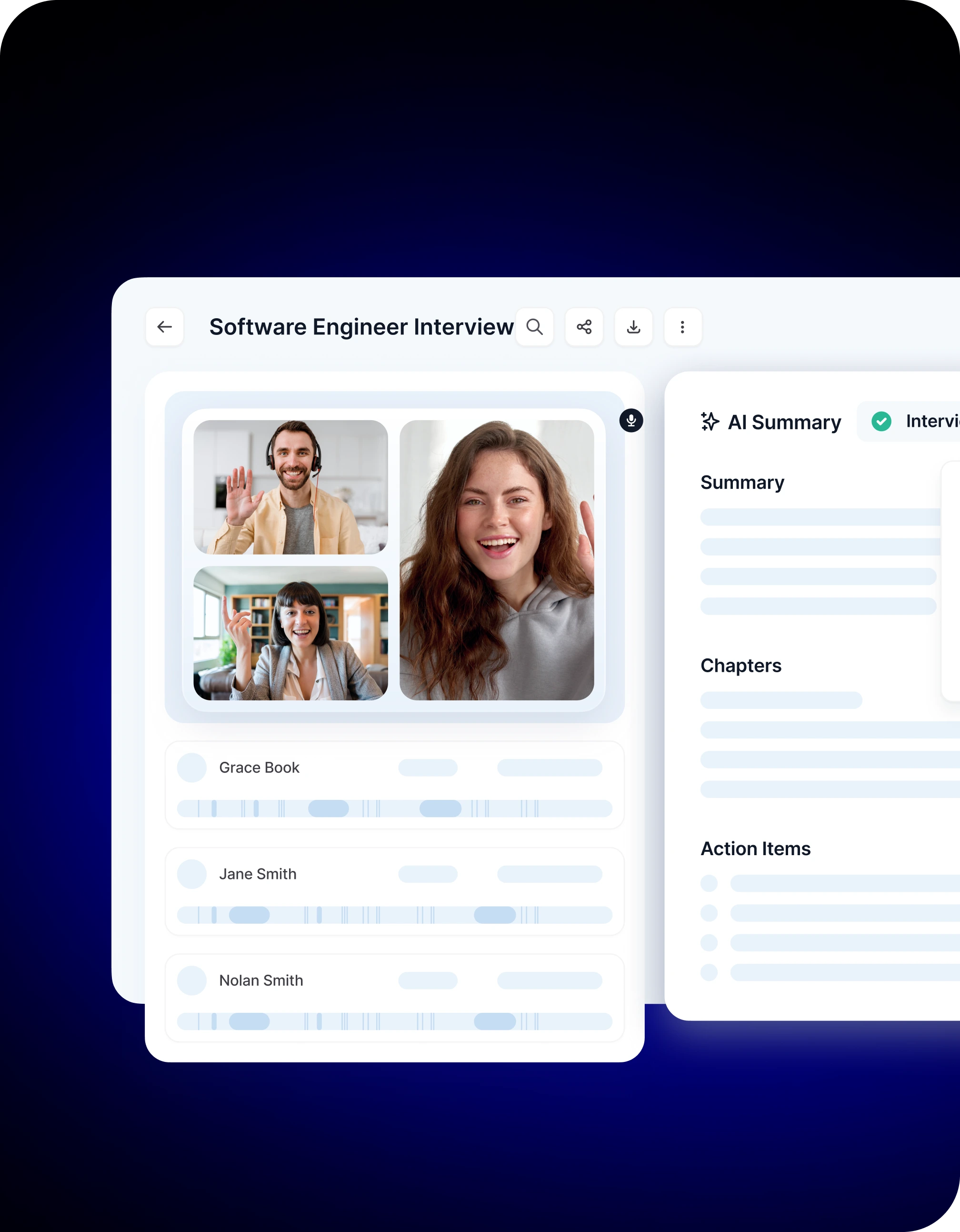
Noota is a powerful AI meeting assistant designed to take structured notes for interviews, summarize key insights, and help your team make decisions faster. It automatically records and transcribes interviews, then uses AI to highlight skills, relevant experiences, and standout achievements — giving you a detailed report without the manual work. This level of structure makes it easier to evaluate and compare candidates consistently.
Key strengths:
- Accurate, real-time transcription so nothing is missed.
- AI-generated interview reports with detailed summaries and role-focused insights.
- Customizable evaluation templates ensure consistency across roles and interviewers.
- Easy sharing and collaboration with hiring teams to streamline debriefs.
Who it’s best for: Recruiters who want a tool built specifically for interviews and hiring workflows rather than a generic meeting assistant — especially teams that value detailed candidate reports and customizable templates.
TRY NOOTA FOR FREE HERE
2. Fathom — AI Notetaker and Summaries
If your priority is simple, accurate transcripts and summaries without heavy bells and whistles, Fathom is a strong choice. It records your live interviews or meetings and generates summaries you can search and review later.
Pros:
- Real-time transcription with built-in summaries.
- Searchable archives make it easy to find key moments after the call.
- Affordable pricing compared to high-end interview analytics tools.
Considerations:
- It lacks some of the deeper interview-specific features (like scoring templates or hiring reports) that recruiting teams might want.
Best for teams that want an accessible AI notetaking tool that captures every conversation without overcomplicating the process.
3. Otter.ai — Versatile AI Transcriptions
Otter.ai isn’t focused solely on recruiting, but it’s one of the most popular AI notetakers thanks to its strong transcription quality and usability across contexts — interviews, meetings, and internal discussions. Many teams use it as a general purpose notetaker alongside other tools for deeper insights.
Strengths:
- Broad compatibility and ease of use.
- Transcriptions are searchable and editable.
- Integrates with common conferencing platforms.
Trade-offs:
- It doesn’t offer interview-centric summaries or analytics out of the box — you’d need to pair it with your own templates.
Great if you want flexible transcription that works in many parts of your workflow, not just interviews.
4. Bluedot — Lightweight Recording & AI Notes
Bluedot is another alternative that emphasizes easy transcription and recording through browser extensions and conferencing support, often at a competitive price point. It’s ideal for teams that want a simpler tool with essential features like transcript archiving and keyword search.
Good choice for: Teams that want to streamline interview documentation without needing full interview analytics or deep AI insights.
FAQ — Metaview Review & Alternatives Explained
Here’s a practical FAQ to answer the most common questions you’re likely to have after reviewing Metaview and its alternatives. Each answer is written in a helpful, recruiter-focused way so you can make a confident decision for your team.
❓ Does Metaview have a free version?
Yes — Metaview offers a free tier that lets you get started without upfront cost. With that plan, you can record a limited number of interviews and access AI-generated notes and basic transcripts. It’s a good way to test whether the core features fit your workflow before you invest in higher tiers.
❓ What happens if I need more than the free plan allows?
Metaview provides paid plans with more features and higher limits. Typical pricing starts from a paid per-user tier that removes interview caps and unlocks deeper ATS sync, custom templates, and unlimited transcripts. There are also custom enterprise options with advanced controls and dedicated support.
❓ Can Metaview integrate with my recruiting tools?
Yes — one of Metaview’s strengths is its integrations with tools you already use. It works with conferencing platforms like Zoom, Google Meet, and Microsoft Teams, and also connects to prominent ATS systems so interview notes and insights flow smoothly into your existing hiring workflow.
❓ Is Metaview secure and compliant?
Metaview is built with data security in mind and supports key compliance frameworks like GDPR and SOC 2 Type II, helping protect interview recordings and candidate data. This makes it suitable for teams that handle sensitive personal information.
❓ Can Metaview assess candidates for me?
No. Metaview automates note-taking, transcription, and insights, but it doesn’t make hiring decisions for you. Recruiters still need to review summaries, score candidates, and make evaluations based on their criteria and expertise. Metaview augments your process — it doesn’t replace your judgment.
❓ What are common complaints or downsides?
Some users report that customisation — such as adapting summaries or templates for specific types of interviews — can feel limited without manual edits. A few also mention that integrations or setup can vary depending on your ATS or calendar configuration, and that you may want to sanity-check transcripts for nuance in complex discussions.
❓ Is Metaview suited to small recruiting teams?
Yes, but there are trade-offs. While the free plan lets small teams experiment, the paid per-user pricing can add up if your interview volume is high. If you routinely run dozens of interviews, the investment may make sense. If you interview infrequently, you may find more cost-effective options with broader free tiers, or tools geared toward general meeting capture.
❓ What should I look for in a Metaview alternative?
It depends on your priorities:
• Recruiter-focused insights and structured hiring reports? Look at tools like Noota that tailor summaries for interviews and offer evaluation templates.
• Broad, versatile transcription for meetings and interviews? Tools like Otter.ai and Fathom provide strong live transcription and searchable archives.
• Advanced interview quality and coaching features? Platforms like BrightHire add structured guides and analytics alongside transcription.
❓ Can I combine Metaview with other tools?
Absolutely. Many teams use Metaview alongside ATS platforms, scheduling tools, and specialist recruitment software to build a more powerful hiring stack. Pairing a tool like Metaview with a dedicated notetaker or broader workflow automation system can help you balance depth of insight with flexibility
Leverage your Interview Data
AI interview notes, scorecard, follow-up, ATS integration, and more...

Jean-marc is an AI expert helping recruiters & professionnals leverage these tools in their everyday work.
Related articles
.webp)

.png)

Forget note-taking and
try Noota now
FAQ
In the first case, you can directly activate recording as soon as you join a videoconference.
In the second case, you can add a bot to your videoconference, which will record everything.
Noota also enables you to translate your files into over 30 languages.
.svg)